Customization
Dashboard
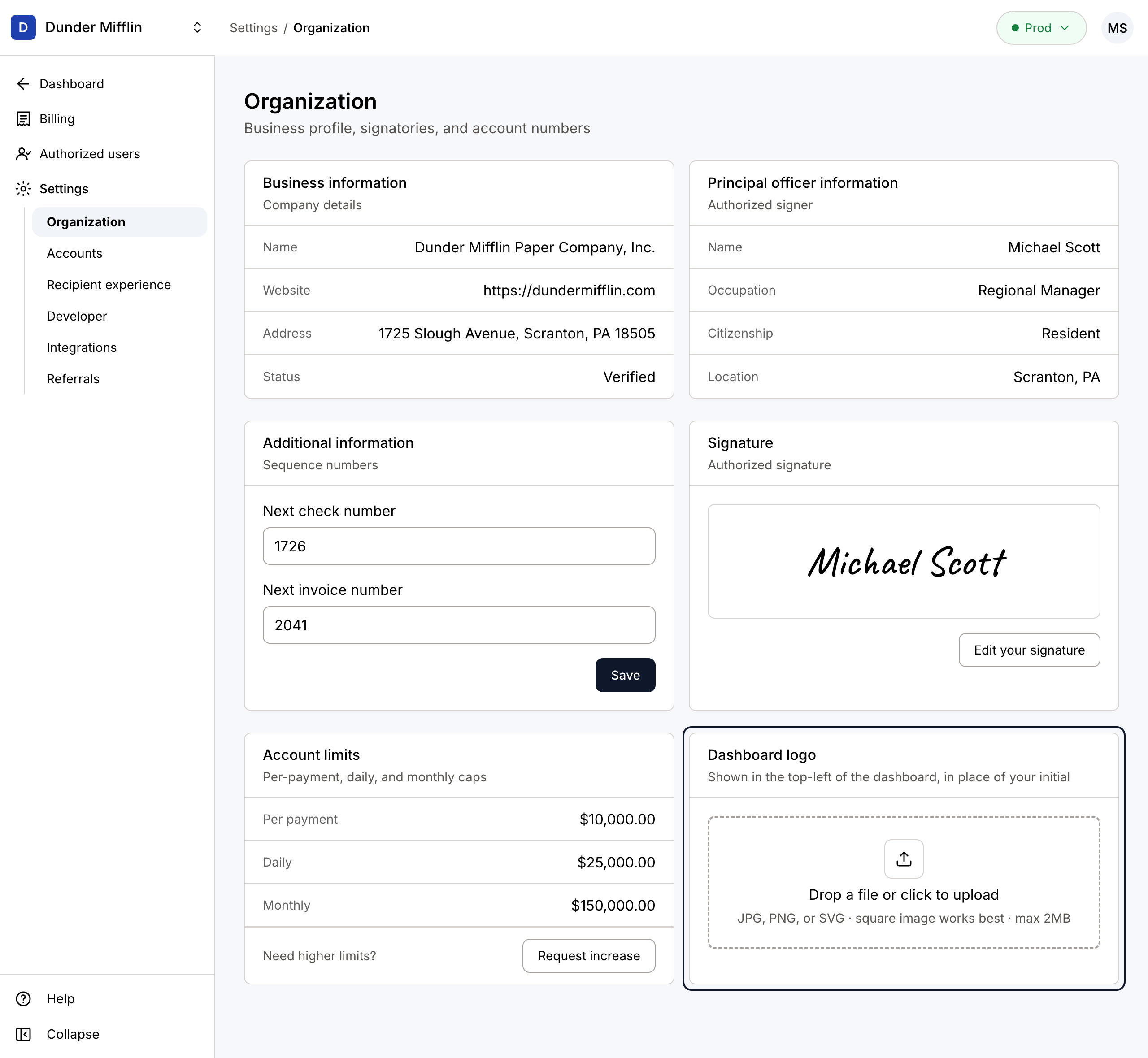
You may customize the dashboard by adding a logo in the Dashboard logo card of the Organization page under Settings. This logo appears in the upper left corner of the dashboard, in place of your organization’s initial.
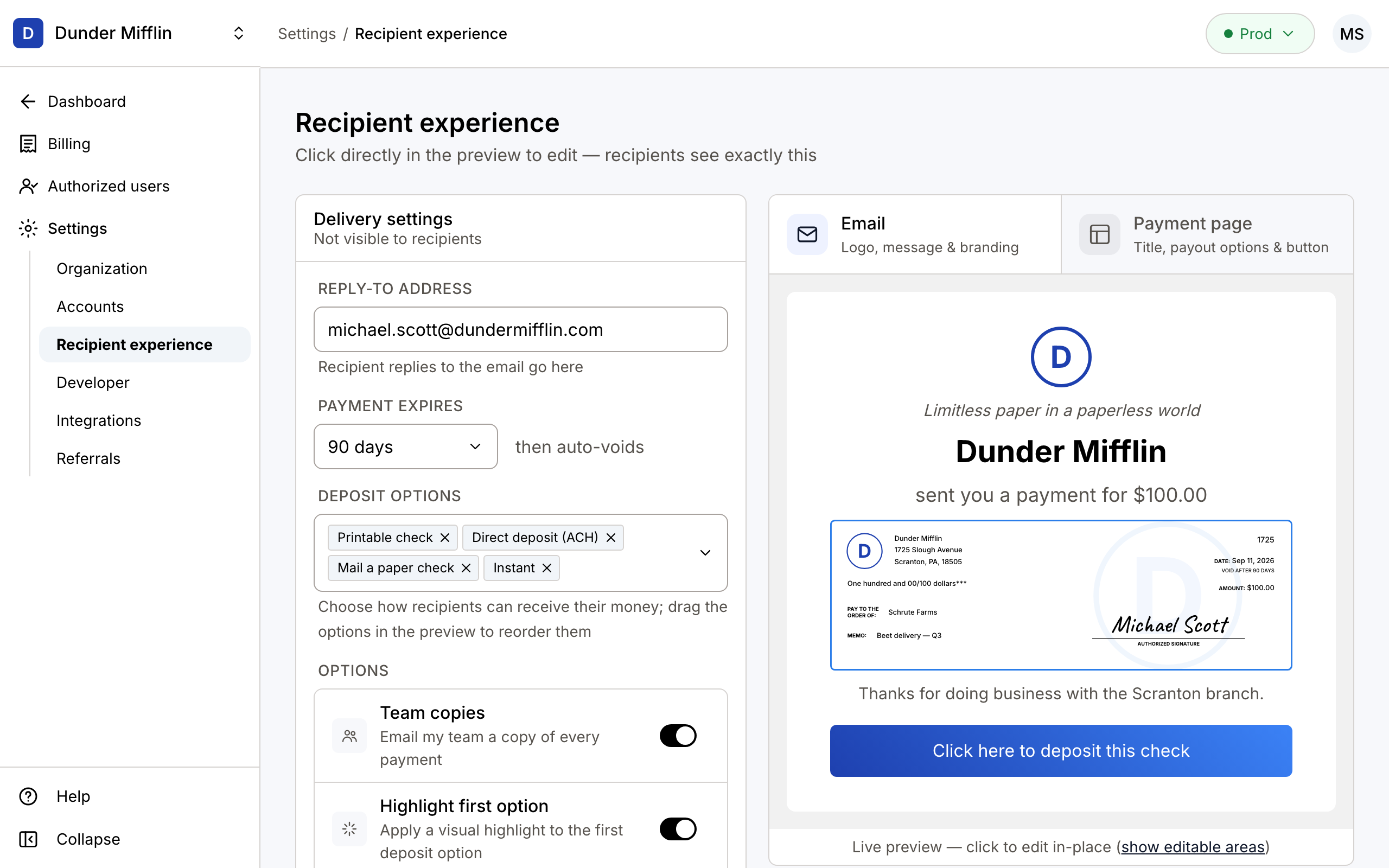
The Email tab of the Recipient experience page under Settings allows you to customize the email that your payment recipients receive. Click any part of the preview to edit it in place: add a logo, include a greeting and a message, and edit the deposit button. The reply-to address and the expiry of the deposit link are set in the Delivery settings panel on the left.
Payment Page
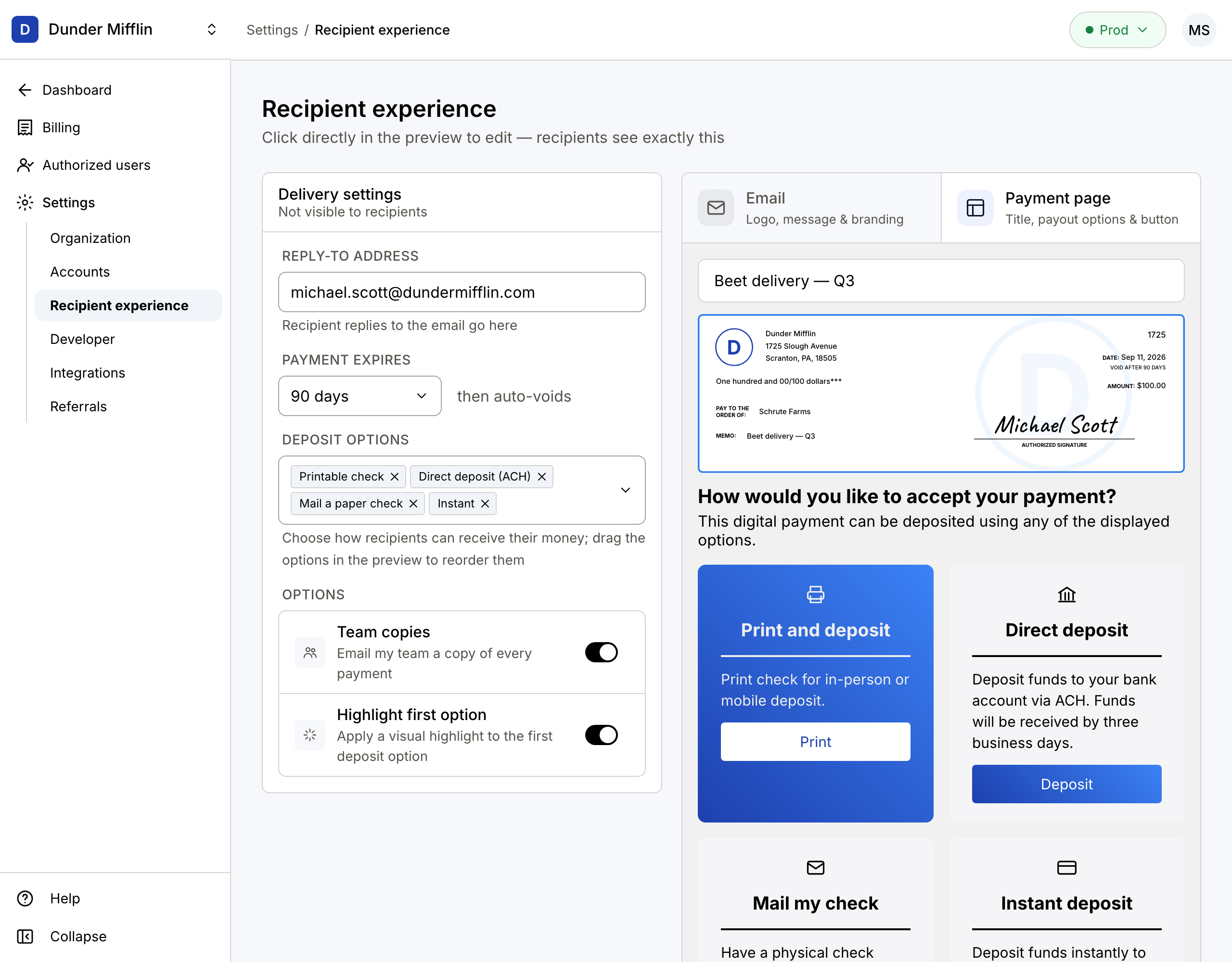
The Payment page tab of the Recipient experience page under Settings allows you to customize the deposit page, including the page title, description, and deposit option cards. Choose which deposit options recipients see using the Deposit options field in the Delivery settings panel, and drag the cards in the preview to set the order they appear in. The Team copies option controls whether your team receives an email copy of every payment; this setting is Dashboard only and cannot be toggled via API.