Onboarding Users
Marketplace Users can be onboarded via Checkbook’s API or through the dashboard.
-
To use the API, follow the Add a Marketplace User guide.
-
To use the dashboard, follow the steps below
Dashboard Onboarding Steps
Add a New User
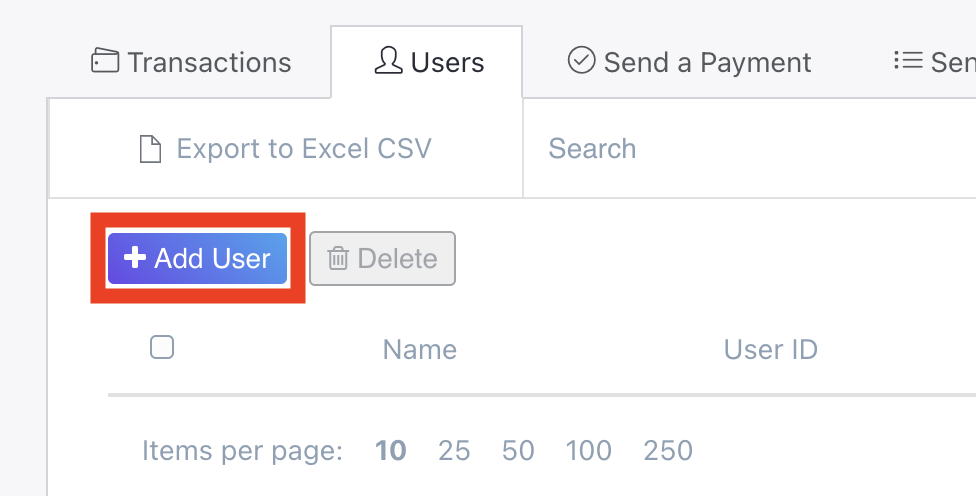
Go to the Marketplace users page in the Dashboard and click Add user to begin creating a new Marketplace User.
Save API Keys
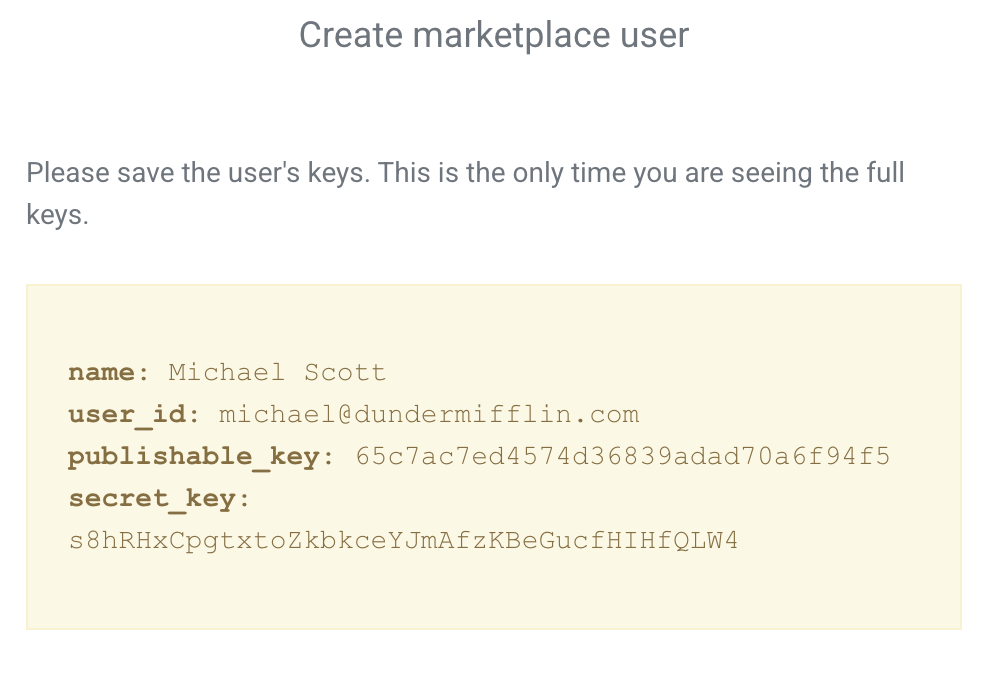
Once the user is created, Checkbook will generate a set of API keys for that user.
Be sure to save them now—this is the only time the full key will be shown.
Complete User Setup
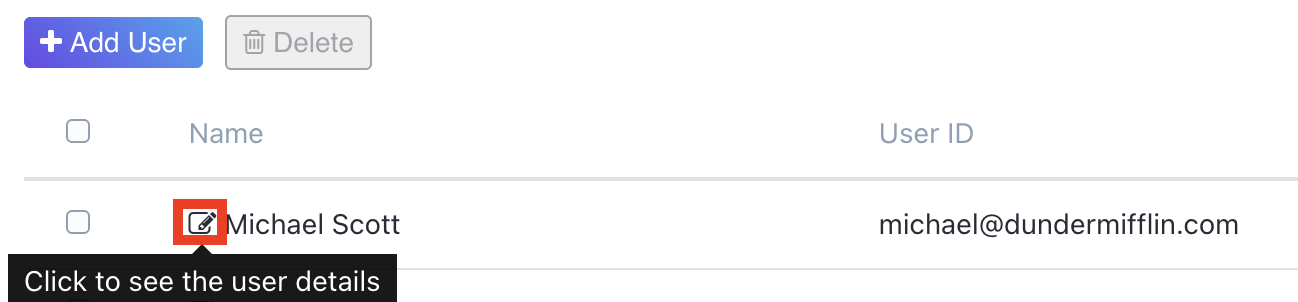
Click the new user’s row in the table to access their details.
From the user detail page, you can:
-
Add KYC/KYB information on the Organization tab
-
Link bank accounts and cards on the Accounts tab
-
Customize the notification email and payment page on the Recipient experience tab
-
Manage API keys on the Developer tab